
Guide is the management area for the Help Center, where articles can be added, managed and deleted. Most agents will not have access to the back-end, but those who do will have a number of options at their disposal.
Click image to enlarge
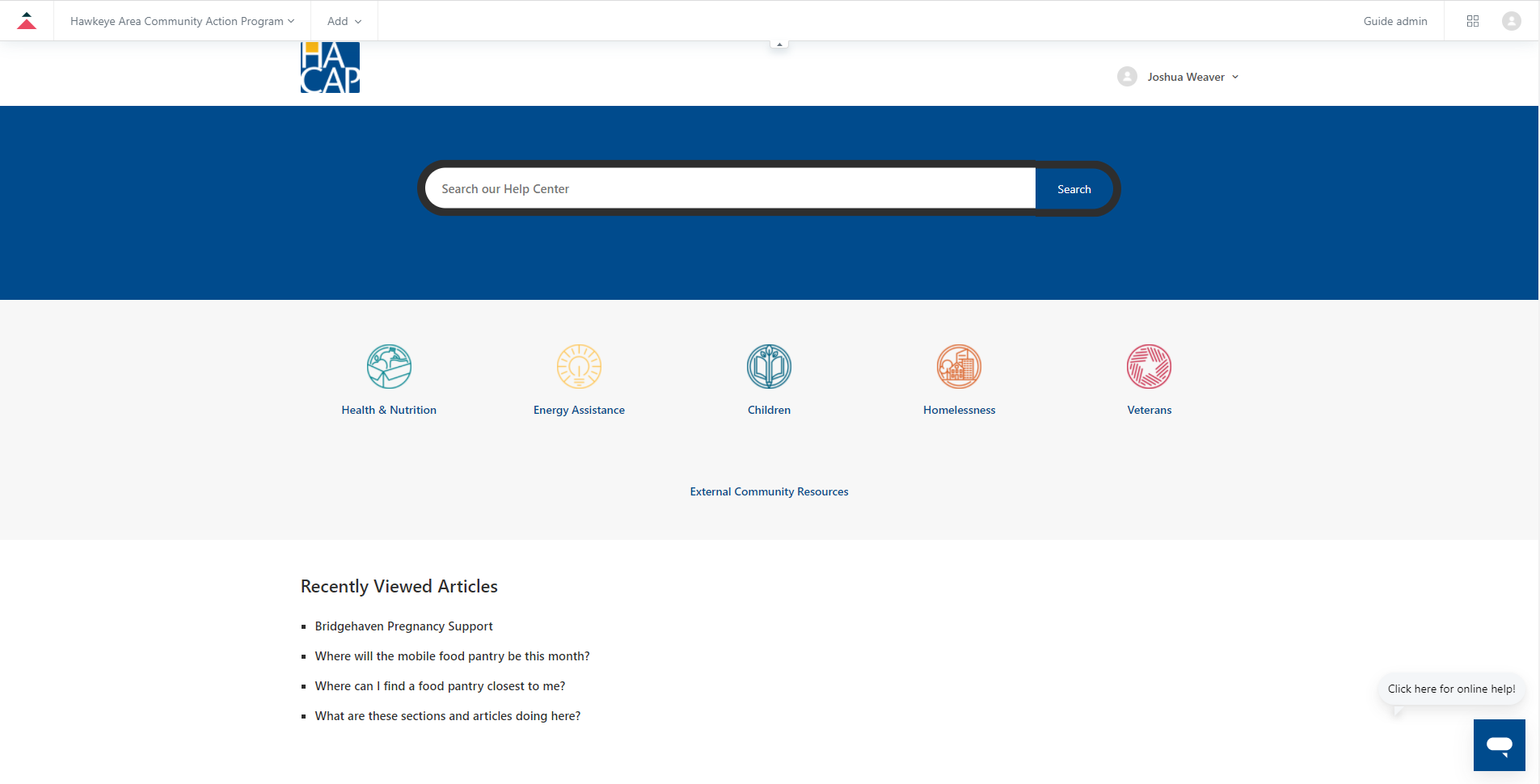
Navigating to Guide through Zendesk will initially take new users to the Home screen, which shows a preview of the Help Center and can be interacted with without exiting Guide. Clicking "Guide admin" in the upper right hand corner of the page will take the agent to the proper Guide back-end.
Click image to enlarge
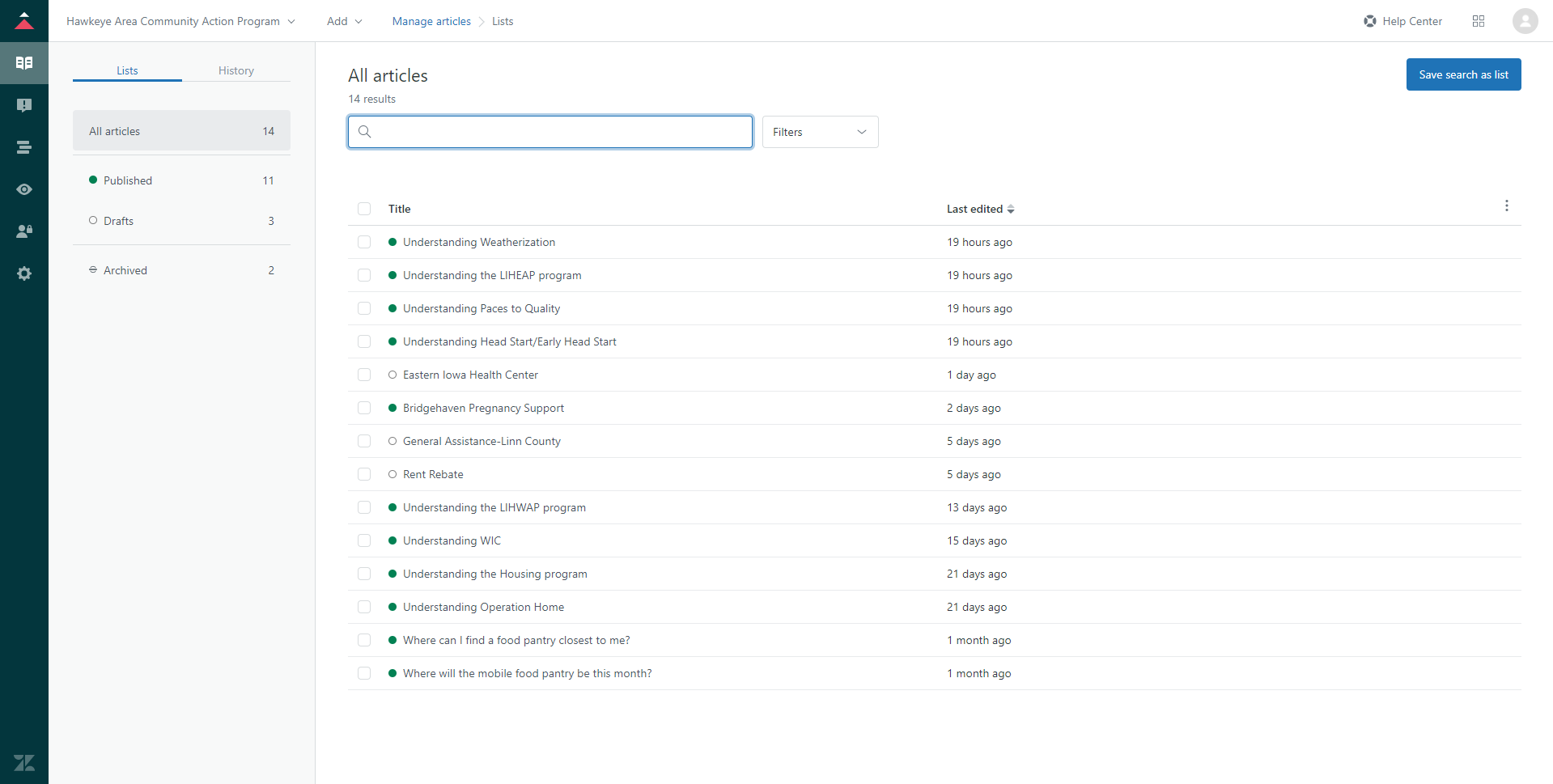
The Manage Articles section is where articles can be added, altered and removed. Categories and sections can also be added here as well, but these are not to be tampered with unless specifically told otherwise.
Click image to enlarge
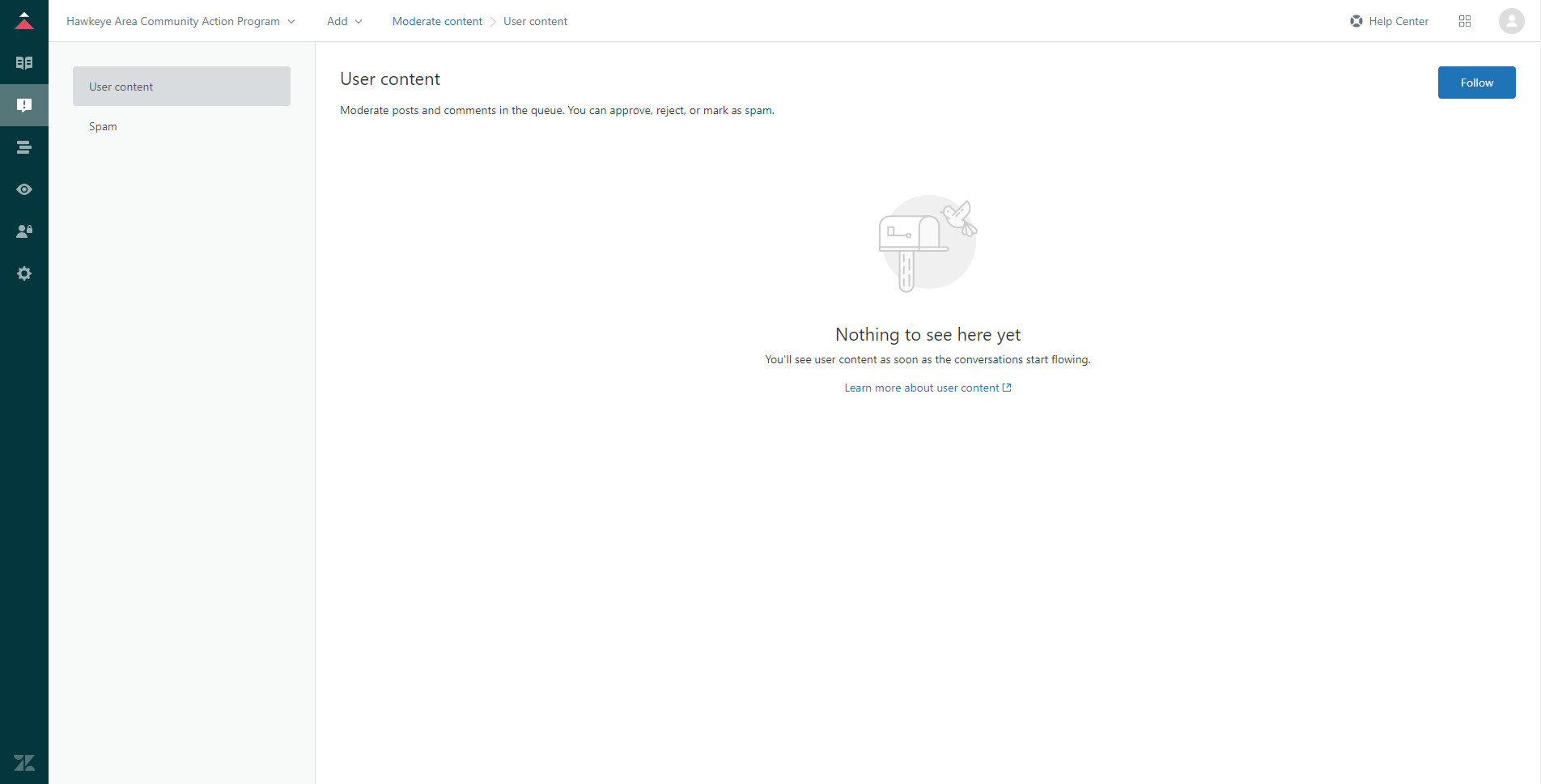
Moderate Content is where authorized agents can monitor and manage user-submitted content to the Help Center, such as posts and comments. HACAP has not enabled end-user comments in this section, so this area will be mostly ignored in day-to-day operations.
Click image to enlarge
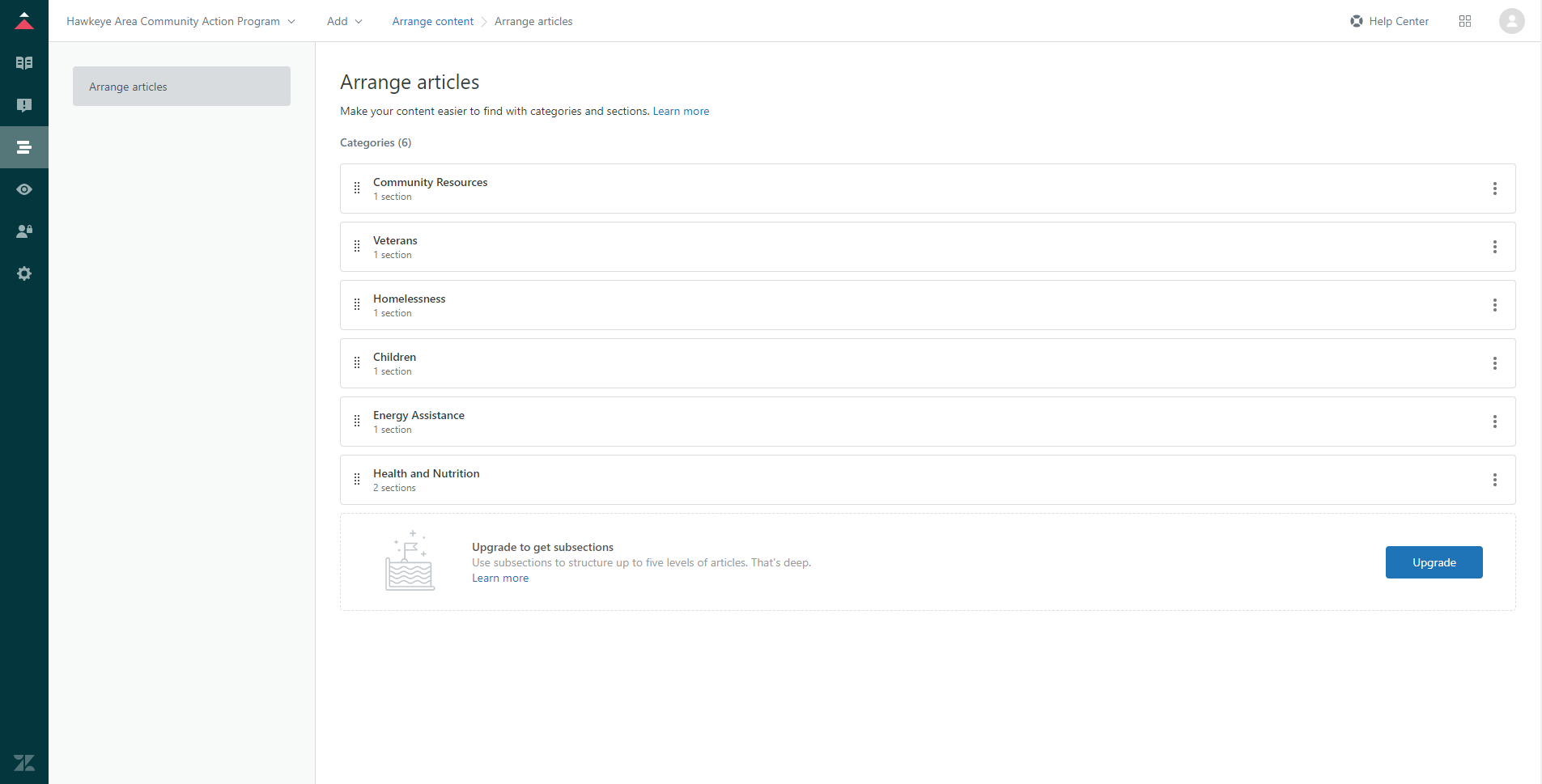
The Arrange Articles sections allows agents to manage in what order categories, sections and articles are displayed. While the main Help Center screen is specially designed to be unalterable by anyone other than a core admin, this area can be used to change which articles are shown first in other article pages.
Other sections in Guide, such as Customize Design, User Permissions and Settings all contain content that is only applicable to core admins. Do not, under any circumstance, change any settings in these sections unless told to do so.
Comments
0 comments
Please sign in to leave a comment.