
The Support section of Zendesk is where agents will spend 95% of their time, as it is the central hub for the ticket system. There are several subsections in this area, each of which are outlined below.
Click image to enlarge
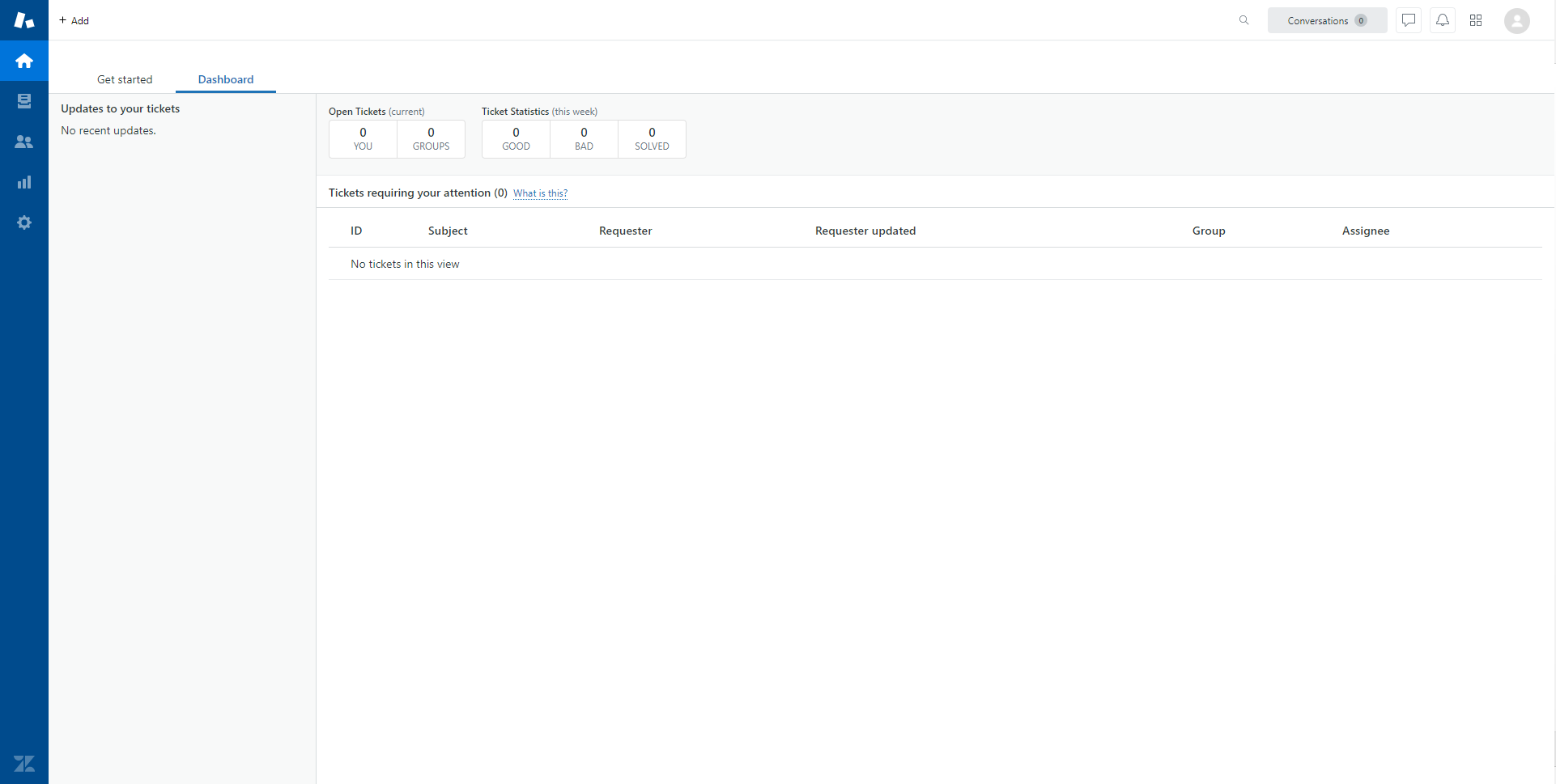
The Dashboard, otherwise known as the Home screen, is the default screen all agents are directed to after logging into Zendesk. This is where all new and outstanding tickets can be found, as well as any updates to existing tickets.
Click image to enlarge
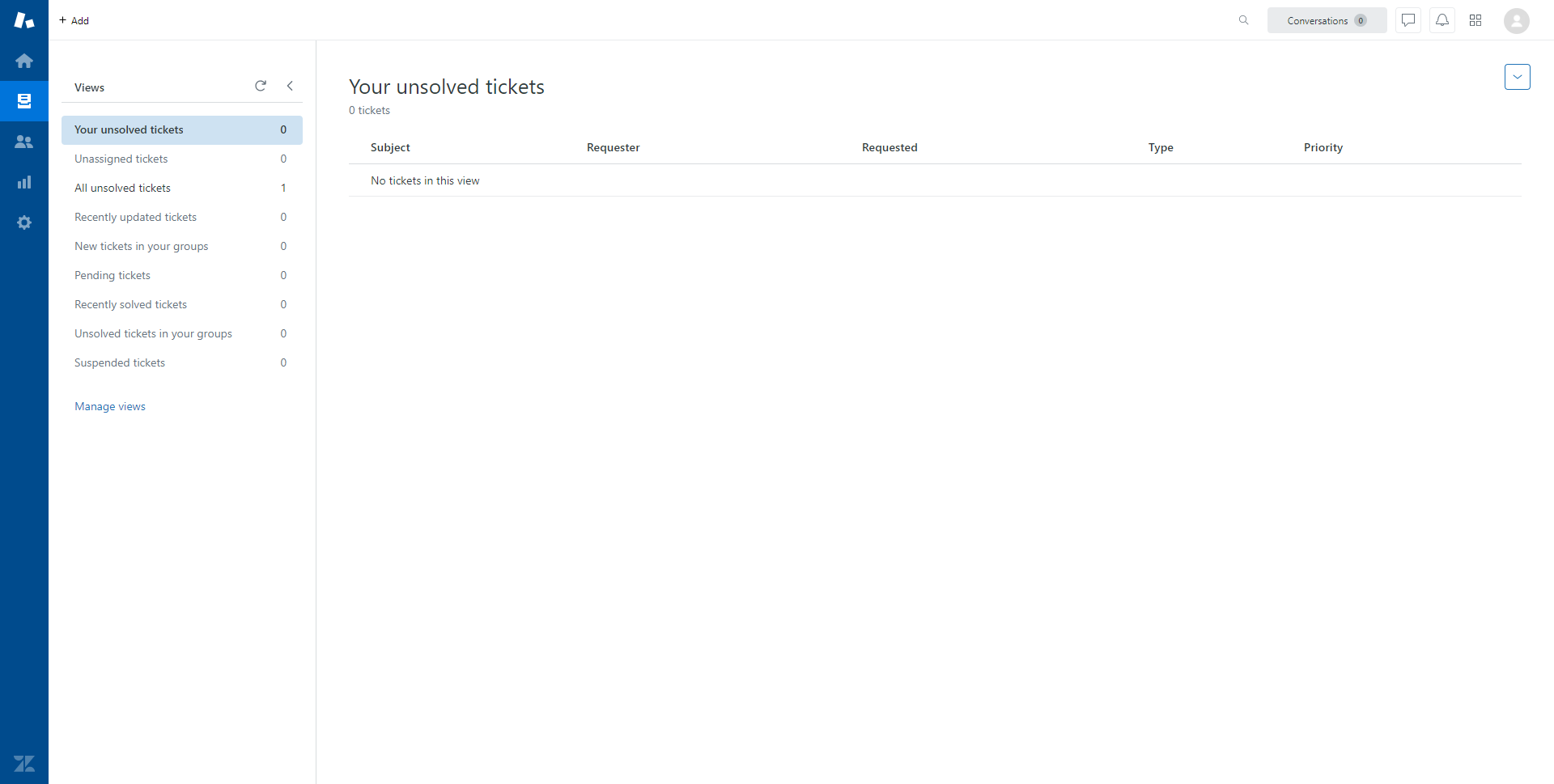
The Views tab shows a more detailed breakdown of submitted tickets: agents can view tickets assigned to other people in their group, as well as recently solved tickets. This screen is helpful in the event an agent accidentally moves a ticket that was not meant to be moved, or accidentally sets a ticket as solved before an issue is resolved.
Click image to enlarge
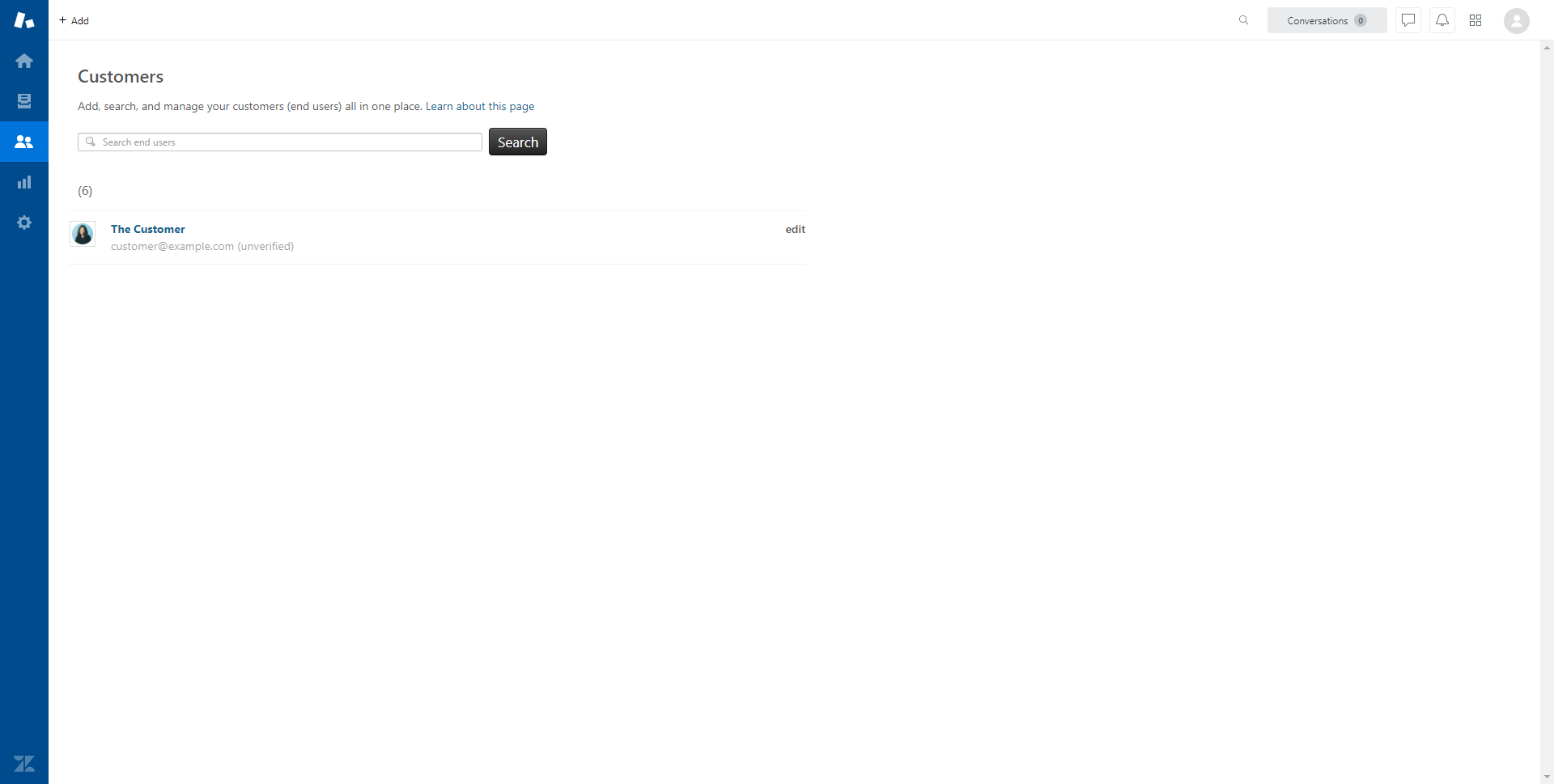
The Customers tab is where detailed information on clients can be found. Every client that has submitted a ticket to HACAP can be found here, and clicking on a client's name will bring up a history of their submitted tickets, which allows agents to get a better understanding of ongoing issues.
Click image to enlarge
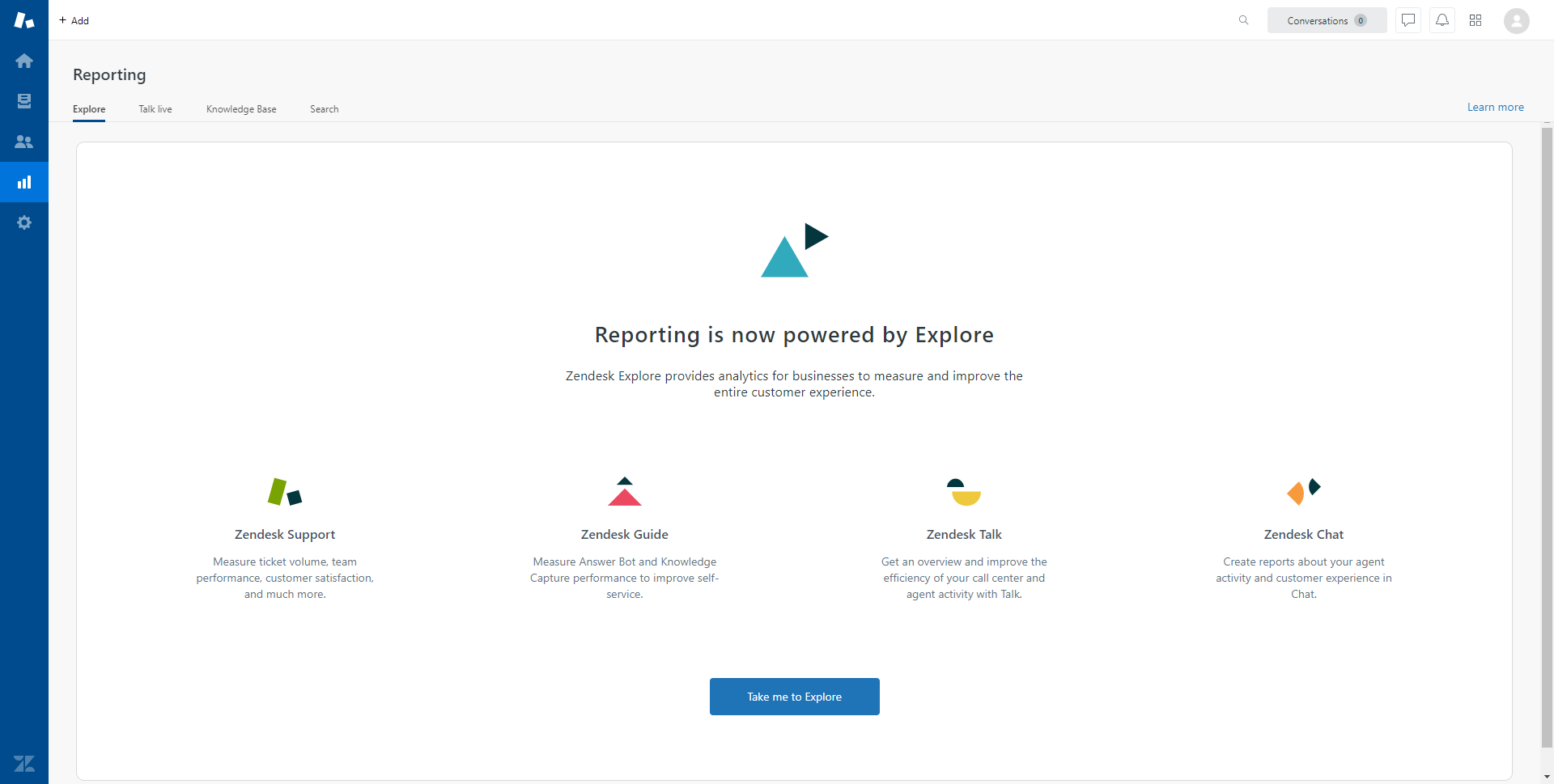
Information that is normally found on the Reporting tab has been moved to the Explore section of Zendesk, and is generally not applicable to agents.
Click image to enlarge
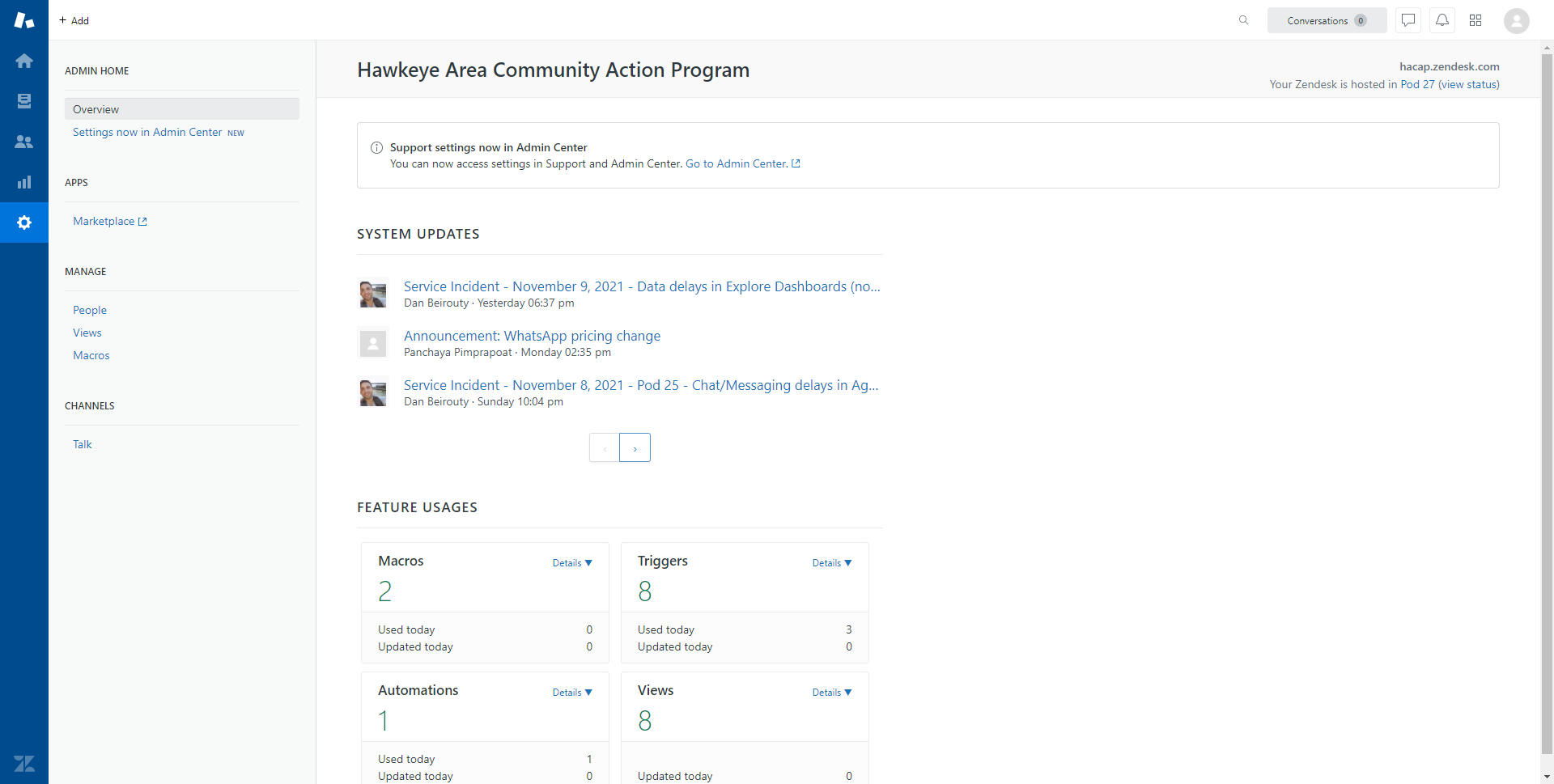
Finally, the Settings tab allows agents some level of control over their account, though the majority of options can be found in the agent's Admin Center. This tab also manages macros, which agents can use to simplify the ticket handling process by automating common responses and actions (for more information, see Understanding Ticketing - Creating Macros).
Comments
0 comments
Please sign in to leave a comment.